
If you have ever run your website through Google PageSpeed Insights, you have almost certainly encountered the dreaded warning: "Serve images in next-gen formats." For most webmasters and Shopify store owners, large, unoptimized PNG files are the silent killers of page load speed and search engine rankings.
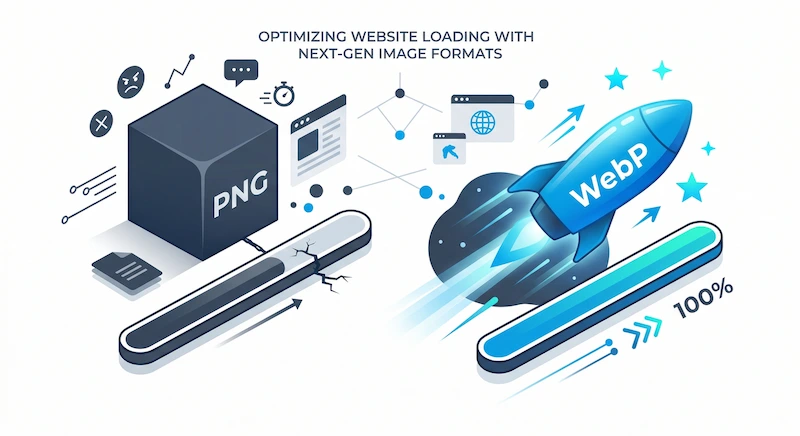
While PNGs are excellent for maintaining transparency (alpha channels) and crisp text, they are incredibly bloated data-wise. The solution is migrating your visual assets to WebP, a modern image format developed by Google that provides superior lossless and lossy compression for images on the web.
Why PNGs are Killing Your Core Web Vitals
Google's ranking algorithm heavily prioritizes user experience, quantified by a set of metrics called Core Web Vitals. The most heavily weighted metric is LCP (Largest Contentful Paint), which measures how long it takes for the largest element on your page (usually a hero image or banner) to become visible.
A massive 3MB transparent PNG banner will ruin your LCP score, especially on mobile networks. Users will bounce before the image even finishes rendering. Converting that same image to WebP can drastically reduce its footprint without any visible loss in quality.
| Format | Average File Size (1080p Image) | Supports Transparency? | PageSpeed Impact |
|---|---|---|---|
| Standard PNG-24 | 1.8 MB | Yes | Negative (Slow LCP) |
| Optimized JPEG | 450 KB | No | Moderate |
| Next-Gen WebP | 120 KB | Yes | Positive (Fast LCP) |
According to Google's data, WebP lossless images are 26% smaller in size compared to PNGs. WebP lossy images are 25-34% smaller than comparable JPEG images at equivalent SSIM quality indices. Furthermore, WebP supports transparency (alpha channel) at a cost of just 22% additional bytes.
The Problem with Traditional Converters
Most webmasters know they need to use WebP, but the migration process is painful. Traditional online image converters have several critical flaws:
- Privacy Risks: They force you to upload your proprietary product images or unreleased assets to their remote servers.
- Slow Processing: You have to wait in an "upload queue," wasting precious development time.
- No Batch Processing: Converting an entire catalog of 50 product images one by one is agonizing.
How to Batch Convert PNG to WebP Locally
To solve these bottlenecks, you need a tool that utilizes Client-Side Processing. This means the conversion script runs directly inside your computer's browser RAM, rather than on a distant server.
Here is how to instantly batch convert your assets:
- Gather the PNG or JPEG files you wish to optimize on your desktop.
- Open a secure, local-processing converter (like the UpaiPic WebP Converter).
- Drag and drop up to 10 images at once into the upload zone.
- Select "WebP" as your target format.
- Click Convert. Because the processing is local, the conversion is near-instant. The tool will automatically package all your new, lightweight WebP files into a single ZIP archive for a one-click download.
Ready to Fix Your Page Speed?
Stop uploading files to slow servers. Use our secure, browser-based tool to batch convert up to 10 images to WebP instantly and download them in a convenient ZIP file.
Open Bulk WebP ConverterSummary Checklist for Webmasters
Before launching a new landing page or Shopify collection, run through this rapid asset optimization checklist:
- Identify all static visual assets (logos, transparent product shots, hero banners).
- Ensure no image exceeds 500KB (ideally keeping them under 150KB).
- Batch convert all PNGs requiring transparency to WebP.
- Batch convert all heavy background JPEGs to WebP.
- Implement lazy loading (`loading="lazy"`) on all images below the initial viewport fold.